The simplest way to stay organized. Make shopping lists, task lists, or ideas and share them instantly.
About My Lists
Quick and simple to use, this tool lets you start typing right away with no sign-up required. Your lists are saved securely in the cloud, so you can access them anytime, anywhere, on any device. Sharing is instant—just send a unique link to anyone in seconds. Plus, collaboration is effortless, allowing others to view or add items to your list with ease.
How it works?
Create
Type your items and they’re saved instantly.
Organize
Edit, reorder, or check them off anytime.
Share
Copy your link and send it to friends, family, or coworkers.
My Notepad
No notes yet.
Draft saved
Premium active
Are you sure you want to delete this note?
Rename note
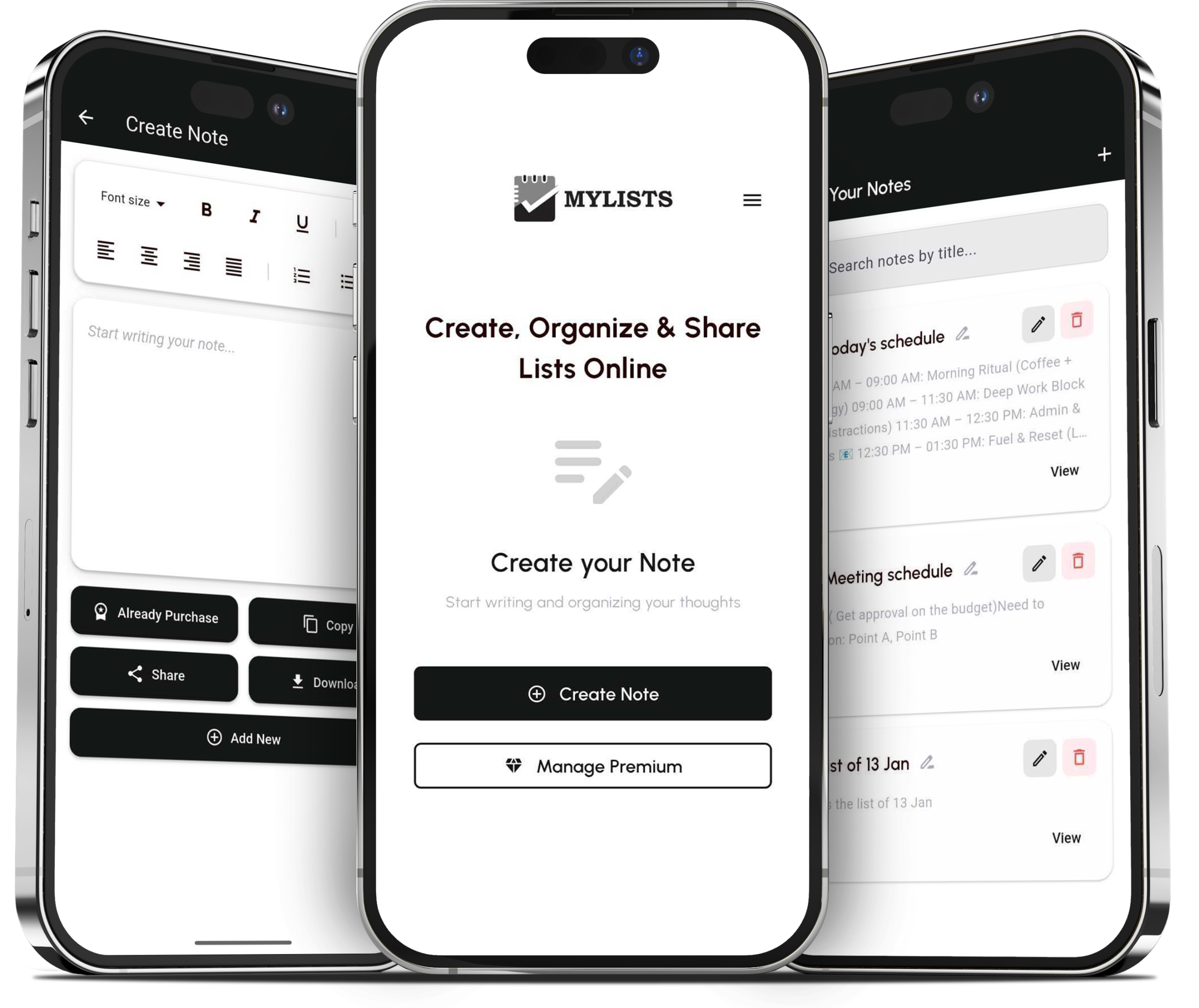
Take Your Notes Anywhere with Our Mobile Apps
Our notepad is not limited to the website. You can also use it on the go with our mobile apps, available on both Android and iOS, and enjoy the same smooth note-taking experience anytime.
Take Your Notes Anywhere with Our Mobile Apps
Our notepad is not limited to the website. You can also use it on the go with our mobile apps, available on both Android and iOS, and enjoy the same smooth note-taking experience anytime.
Frequently Asked Questions
Absolutely. MyLists.online is designed to be mobile-friendly,
What is MyLists.online?
MyLists.online is a platform that helps you easily create, organize, and share lists for personal or professional use.
Do I need an account to use it?
Yes, creating a free account is required to save and access your lists across devices.
Can I share my lists with others?
Absolutely! You can invite others to view or collaborate on your lists with just a link or email invite.
Is MyLists.online mobile-friendly?
Yes, the platform works seamlessly on both desktop and mobile, so you can manage lists anytime, anywhere.
How is my data protected?
We use secure, encrypted connections and privacy controls to keep your lists safe. Only you (and the people you choose to share with) can access them.